Kubernetes clusters (VKS)
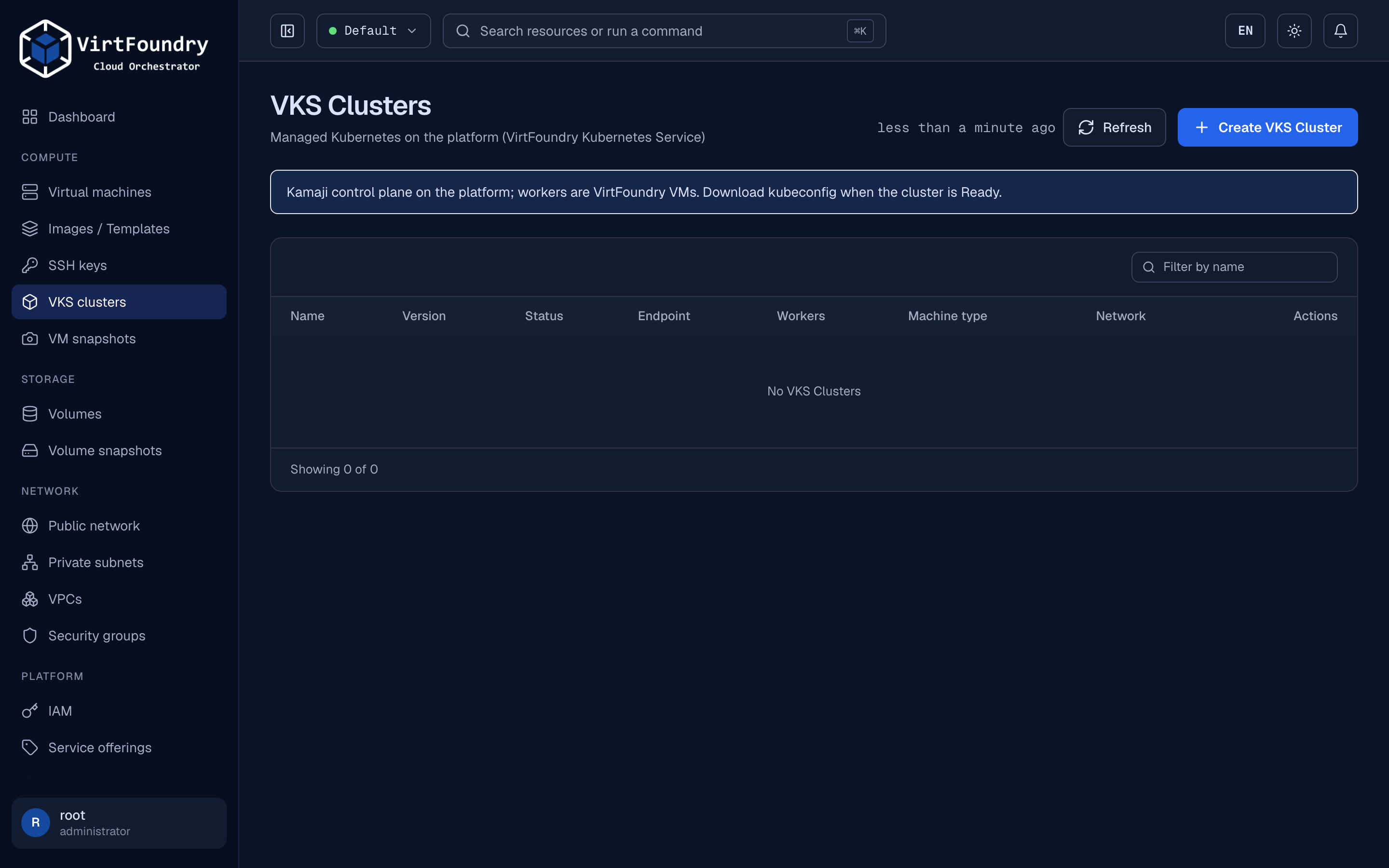
VirtFoundry Kubernetes Service (VKS) gives a tenant a managed Kubernetes cluster, EKS-style. The control plane runs on the platform (Kamaji); workers are regular VirtFoundry VMs. The tenant gets a kubeconfig.
Separate chart
VKS ships as its own chart, virtfoundry-vks, from the virtfoundry/vks repository. Install order: operator, then core, then VKS (Versioning).
How it works
flowchart LR
  T[Tenant] -->|REST / gRPC / Terraform| C[core API]
  C -->|writes| K[VKSCluster CR]
  K --> V[vks operator]
  V -->|creates| P[Kamaji TenantControlPlane]
  V -->|creates| I[worker Instances]
  I --> O[IaaS operator] --> VM[KubeVirt VMs]
V -->|writes| S[kubeconfig Secret]| Piece | Role |
|---|---|
VKSCluster |
Tenant-facing resource (virtfoundry.io/v1alpha1) |
| vks operator | Creates the Kamaji control plane, the worker Instances and the kubeconfig Secret |
| IaaS operator | Turns each worker Instance into a KubeVirt VM |
| Kamaji | Hosts the Kubernetes API server and etcd for the tenant cluster |
Before you start
VKS is optional and has its own prerequisites, on top of the platform ones:
| You need | Check | Why |
|---|---|---|
| The VKS controller | kubectl -n virtfoundry-system get pods \| grep vks |
Install VKS |
Kamaji with a ready DataStore |
kubectl get datastore shows READY true |
Runs each cluster's API server and etcd |
| A LoadBalancer implementation (MetalLB) | kubectl -n metallb-system get ipaddresspool |
Gives each control plane its address |
The control-plane address reachable from where you run kubectl |
See Control plane address | The kubeconfig points at that address |
| The node template | kubectl -n virtfoundry-system get templates.virtfoundry.io \| grep node |
Seeded by core at startup (ubuntu-node-1-36-5) |
Create a cluster
apiVersion: virtfoundry.io/v1alpha1
kind: VKSCluster
metadata:
  name: demo
  namespace: virtfoundry-tenant-default
spec:
  kubernetesVersion: v1.36.5   # must match a published node image
  workers:
    count: 1
    templateRef: { name: ubuntu-node-1-36-5 }
    offeringRef: { name: medium }
    networkRef:  { name: default-default }   # Network CR name: <vpc>-<network>
kubectl apply -f vkscluster.yaml
kubectl get vksc -A --watch     # PHASE goes to Ready in one to two minutes
The Kubernetes version must match the node image template (ubuntu-node-1-36-5 pairs with v1.36.5).
networkRef is the name of the Network resource, which is <vpc>-<network>: the network shown as default in the console is default-default. List them with kubectl -n virtfoundry-tenant-default get networks.virtfoundry.io. The REST API, the console and Terraform also accept the display name (from 0.11.3).
Use the cluster
The admin kubeconfig is a Secret in the tenant namespace, named <cluster>-admin-kubeconfig:
kubectl -n virtfoundry-tenant-default get secret demo-admin-kubeconfig \
  -o jsonpath='{.data.admin\.conf}' | base64 -d > demo.kubeconfig

kubectl --kubeconfig demo.kubeconfig get nodes
# demo-worker-0   Ready   <none>   36s   v1.36.5
From the API: GET /api/v1/vks/clusters/demo/kubeconfig returns the same file. The console has a download button on the cluster page.
Checked on the reference cluster with 0.11.3: this manifest reaches Ready in about 70 seconds and the worker node joins as Ready.
Delete the cluster with kubectl delete vksc demo -n virtfoundry-tenant-default. The control plane, the worker VMs and the kubeconfig go with it.
Node image
The worker image is not embedded in the platform. Core seeds a VM template (ubuntu-node-1-36-5) at startup. It points to a digest-pinned containerDisk, ghcr.io/virtfoundry/node-ubuntu, built by vks-image-factory (Ubuntu LTS, containerd, kubelet and kubeadm). KubeVirt pulls it on first use, so nodes need access to ghcr.io, or a mirror that your container-image allowlist covers.
Control plane address
spec.controlPlane |
Default | Description |
|---|---|---|
serviceType |
LoadBalancer |
LoadBalancer, NodePort or ClusterIP |
port |
443 |
API server port |
addressPool |
unset | Pin a MetalLB pool for this cluster. Overrides the controller --load-balancer-address-pool flag |
address |
unset | Advertised address (used with NodePort) |
With the defaults, the VIP comes from the cluster load balancer (MetalLB autoAssign) and no pool is pinned. Pin a pool only when you need a specific range. NodePort is a lab escape hatch.
The address has to be reachable from two places: the worker VMs (to join) and wherever you run kubectl. With MetalLB in layer 2 mode that means the same L2 network as the pool. With BGP, your router must accept the /32 and the node that receives the traffic must deliver it to the Service. If kubectl times out while the cluster is Ready, the address is not routed to you: test with curl -k https://<address>:443/version.
Kubeconfig and API
- Permissions:
vks:read,vks:write,vks:kubeconfig. - API: gRPC
virtfoundry.vks.v1alpha1.ClusterServiceon the same port as REST. REST/api/v1/vks/clustersis a thin shim for the console. - Terraform:
virtfoundry_vks_clusterandvirtfoundry_vks_kubeconfig.
Kubeconfig is a credential
The admin kubeconfig grants full access to the tenant cluster. Treat it like a password.
Limits (current)
No in-place update: changing a cluster argument replaces it. Not included yet: Kubernetes upgrades, add-ons (load balancer, CSI) and multi-zone.